Introduction
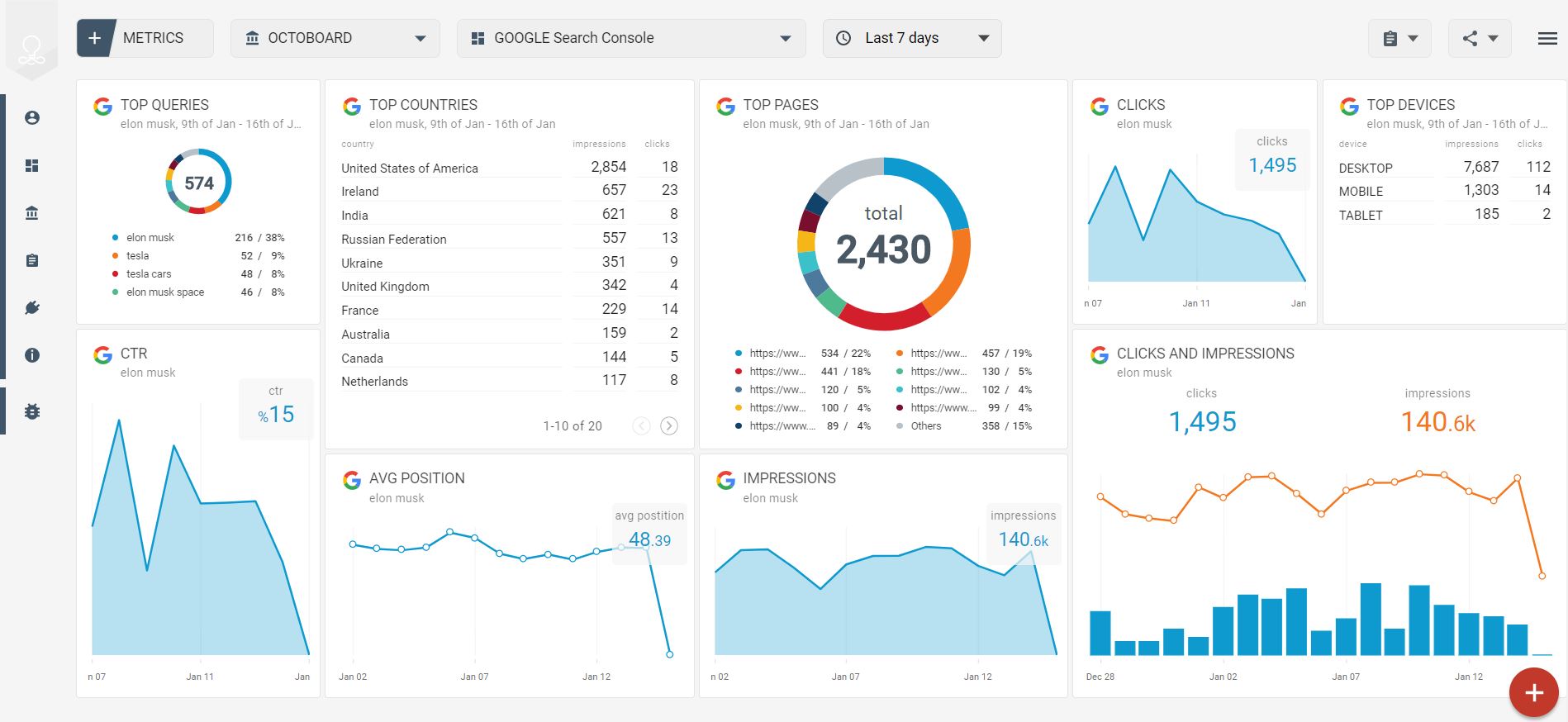

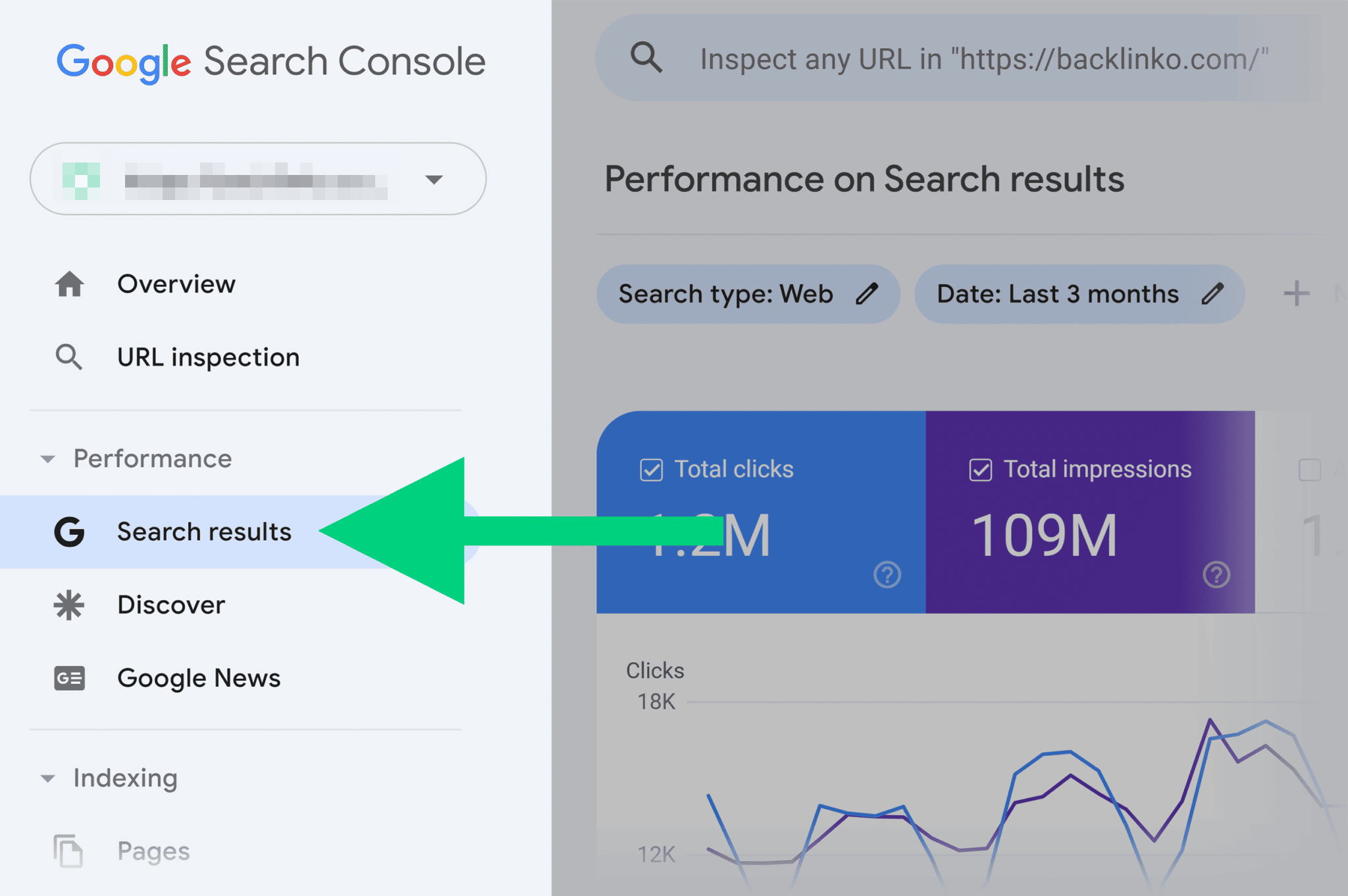
In the modern digital age, having a website is not enough. A website must be visible on search engines, especially Google. This is where Google Search Console (GSC) plays a very important role. GSC is a free tool provided by Google that helps website owners understand how their website performs in Google Search and what problems prevent it from ranking well.
Many WordPress website owners see errors, warnings, and issues in Google Search Console and feel confused or worried. These errors can affect website ranking, indexing, traffic, and user experience. However, most GSC errors are fixable if understood properly.
This article explains in detail:
- What Google Search Console is
- Why it shows errors
- How many types of errors are found in WordPress sites
- Step-by-step methods to resolve each error
- Useful tools and methods
- How all this follows Google policies and guidelines
1. What Is Google Search Console (GSC)?
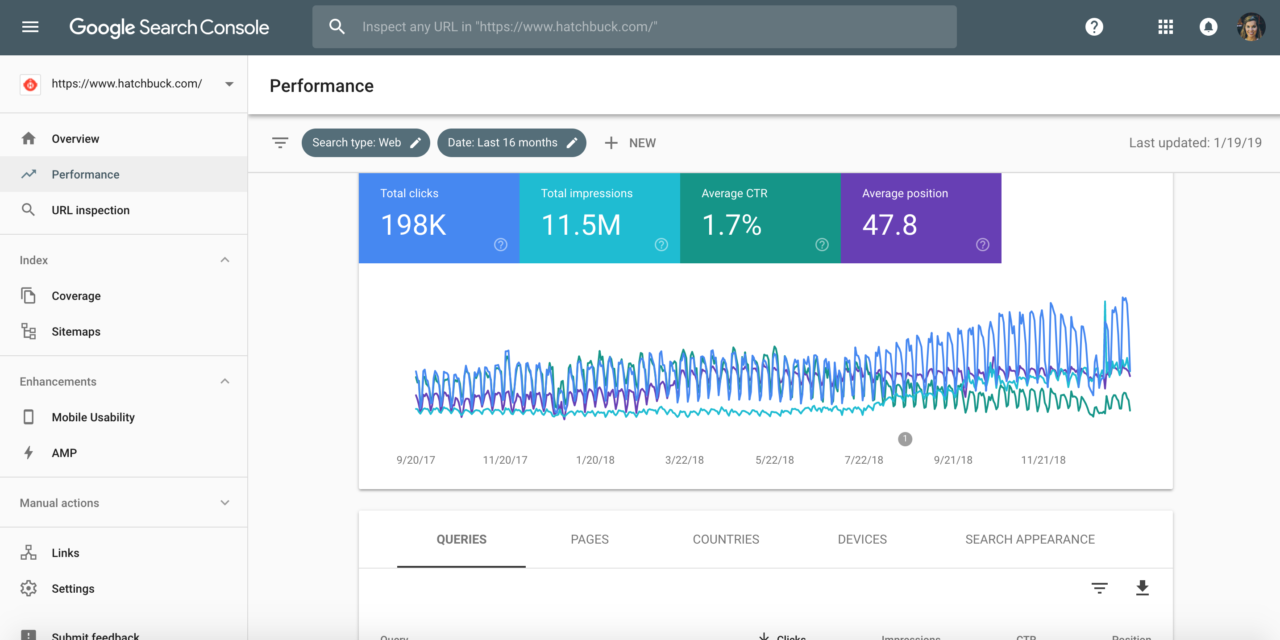
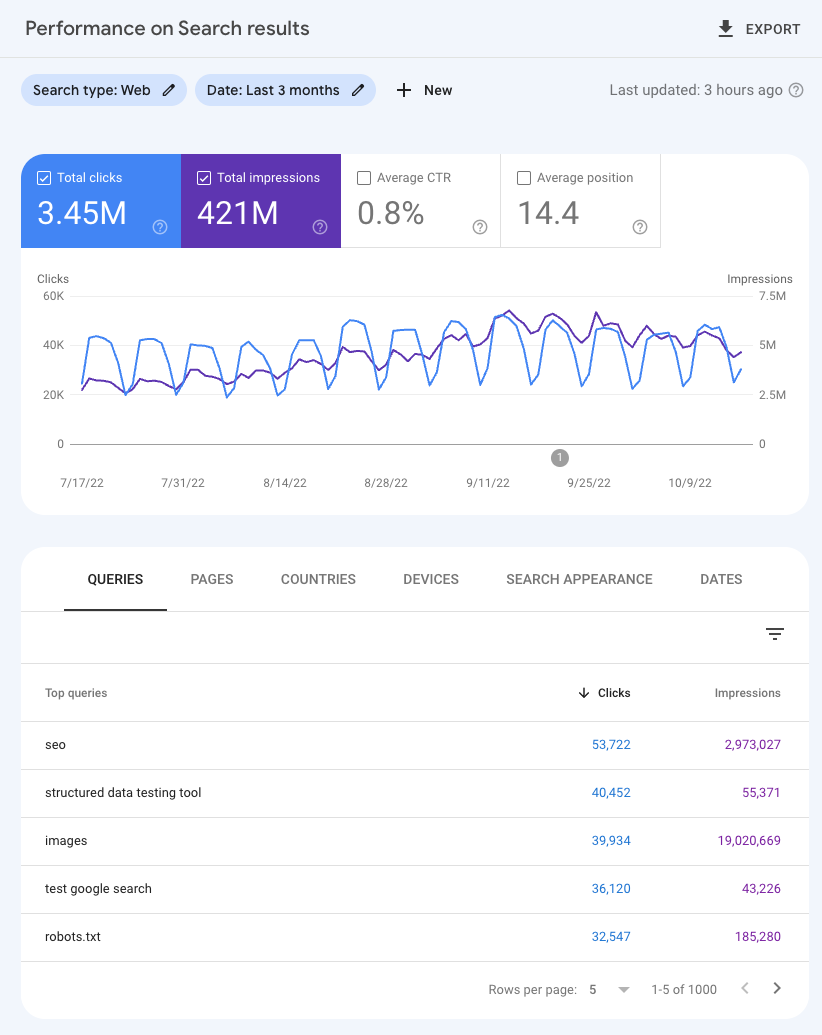


Google Search Console is a free web service by Google that allows website owners, SEO professionals, bloggers, and developers to monitor and maintain their site’s presence in Google search results.
Main Functions of GSC
- Shows how Google crawls and indexes your website
- Reports errors and warnings
- Displays search performance (clicks, impressions, CTR)
- Helps submit sitemaps
- Detects security and manual actions
- Monitors mobile usability
GSC does not directly improve ranking, but fixing GSC errors helps your website follow Google’s rules, which improves visibility.
2. Why Google Search Console Shows Errors

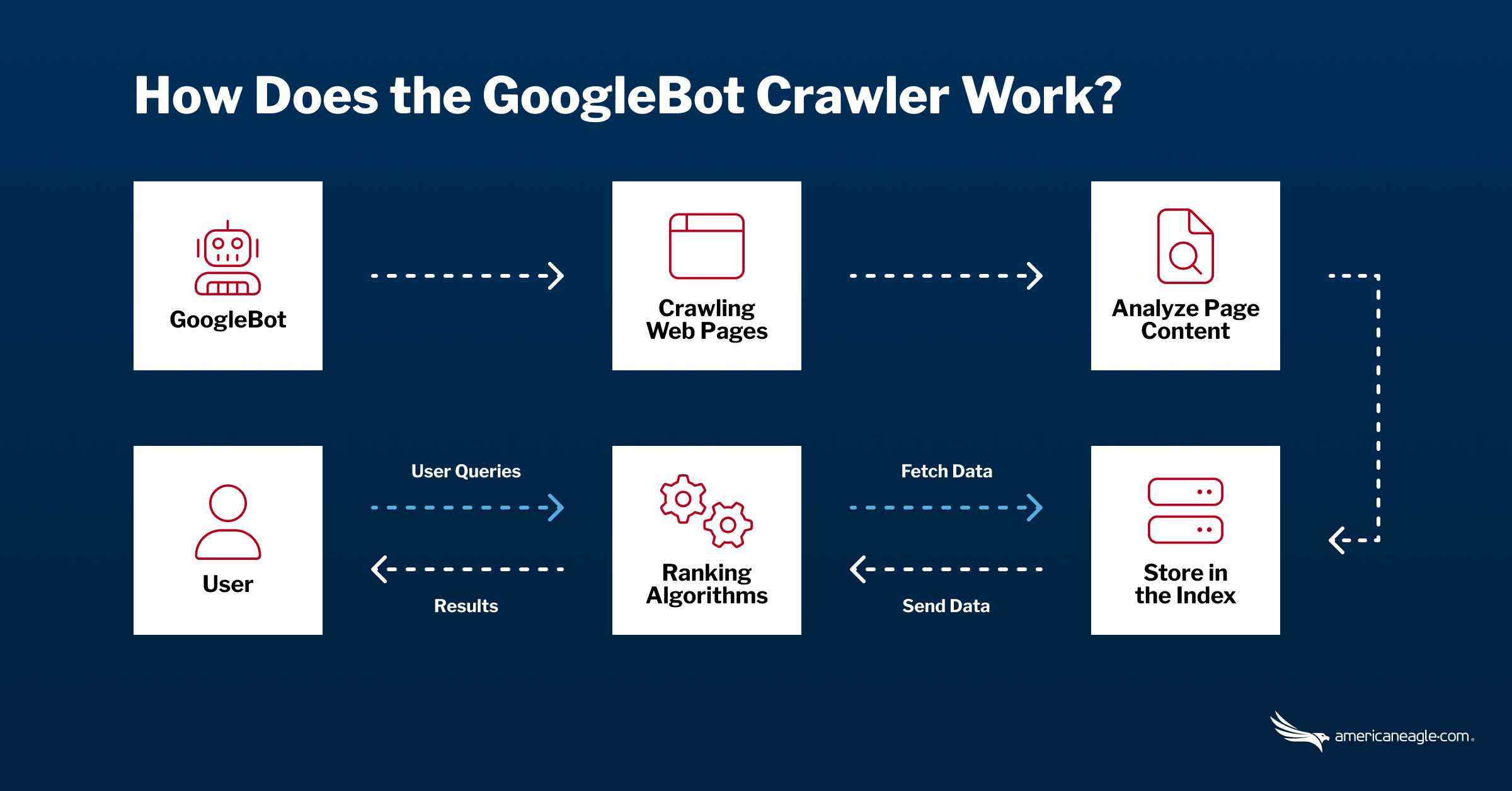

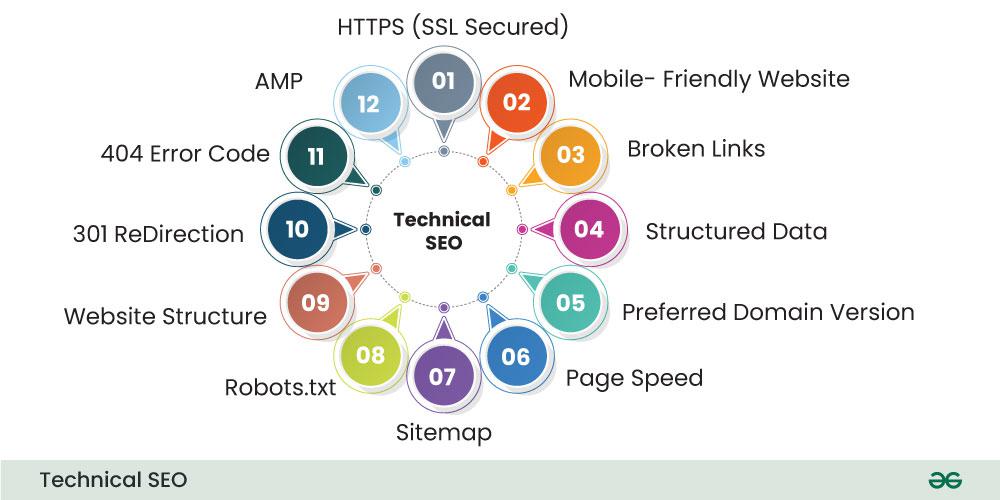
Errors appear in GSC when Google cannot properly crawl, index, or understand your website pages.
Main Reasons for Errors
- Technical mistakes in WordPress
- Plugin or theme conflicts
- Server problems
- Wrong SEO settings
- Mobile design issues
- Duplicate or low-quality pages
- Security threats
Google reports these problems so website owners can fix them and improve quality.
3. How Many Errors Can Be Found in a WordPress Site?
There is no fixed number of errors. A WordPress site may show:
- 0–10 errors (well-maintained site)
- 50–200 errors (medium site)
- 1000+ errors (large or poorly managed site)
Factors That Affect Error Count
- Size of website
- Number of pages
- Hosting quality
- Theme responsiveness
- Plugin usage
- SEO practices
WordPress sites often generate errors because of:
- Auto-generated URLs
- Category and tag pages
- Old deleted posts
- Plugin-created pages
4. Main Types of Errors Found in Google Search Console
4.1 Indexing (Coverage) Errors

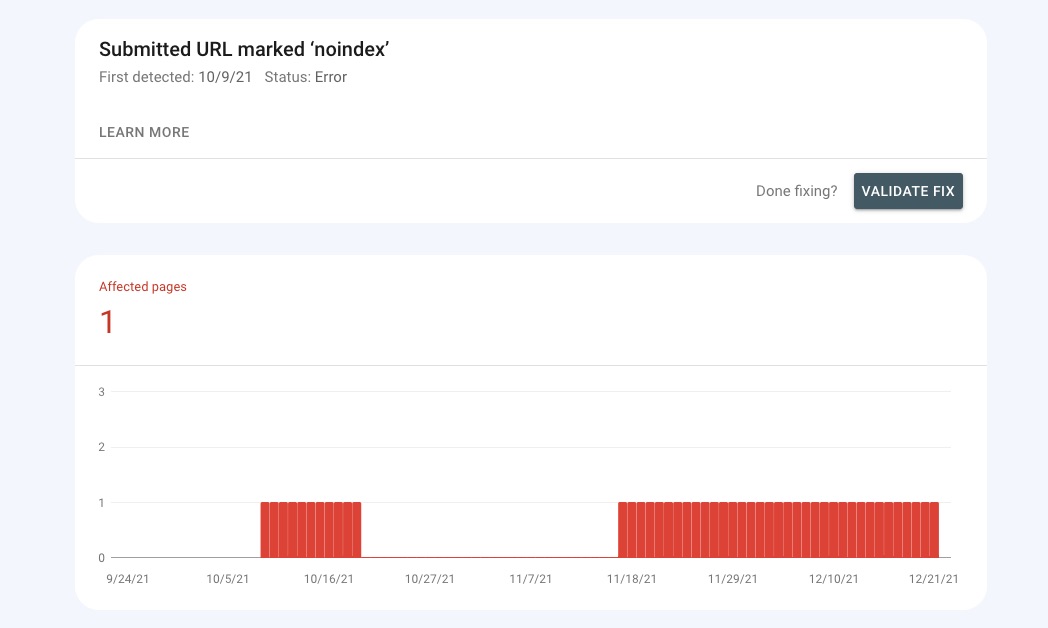
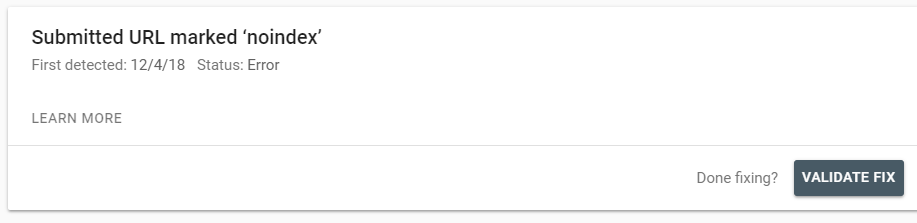
These errors show problems with page indexing.
Common Coverage Errors
- 404 Not Found
- Server error (5xx)
- Redirect error
- Submitted URL marked ‘noindex’
- Blocked by robots.txt
- Duplicate page without canonical
4.2 Mobile Usability Errors


Google prioritizes mobile-friendly websites.
Common Mobile Errors
- Text too small to read
- Clickable elements too close
- Content wider than screen
- Viewport not set
4.3 Core Web Vitals Errors
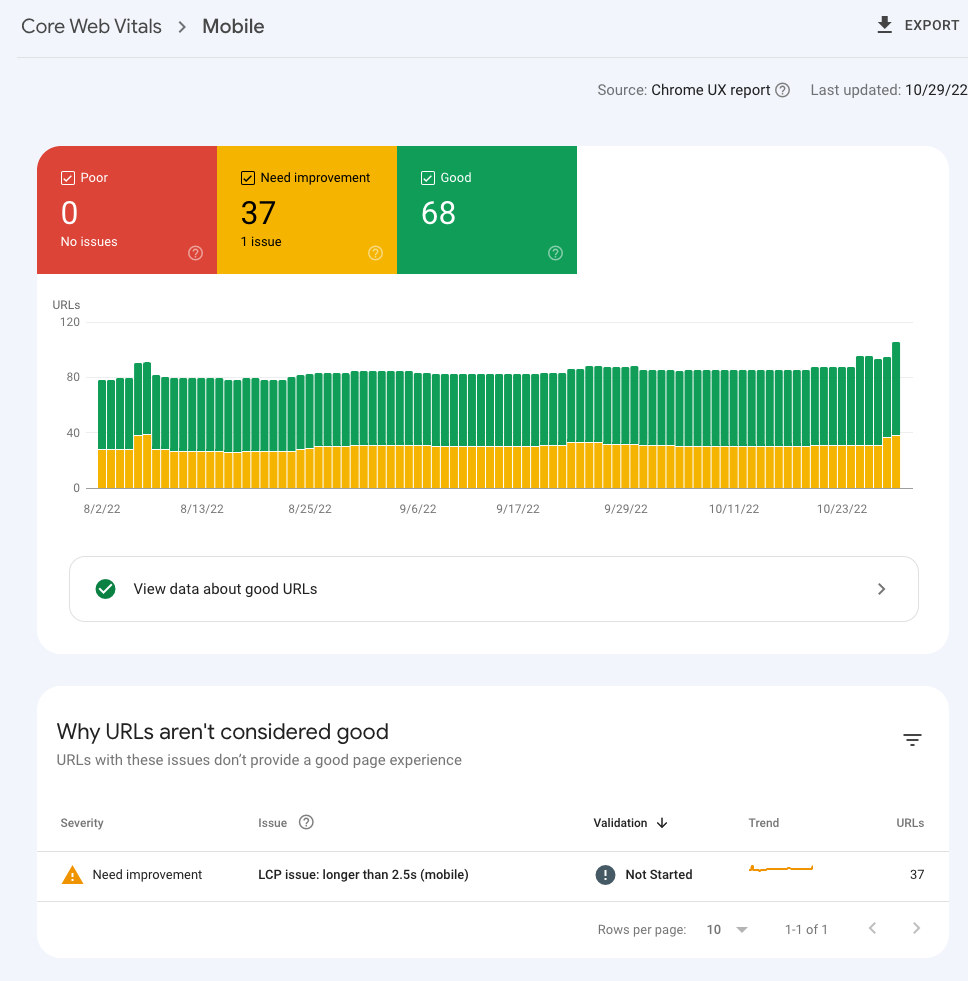
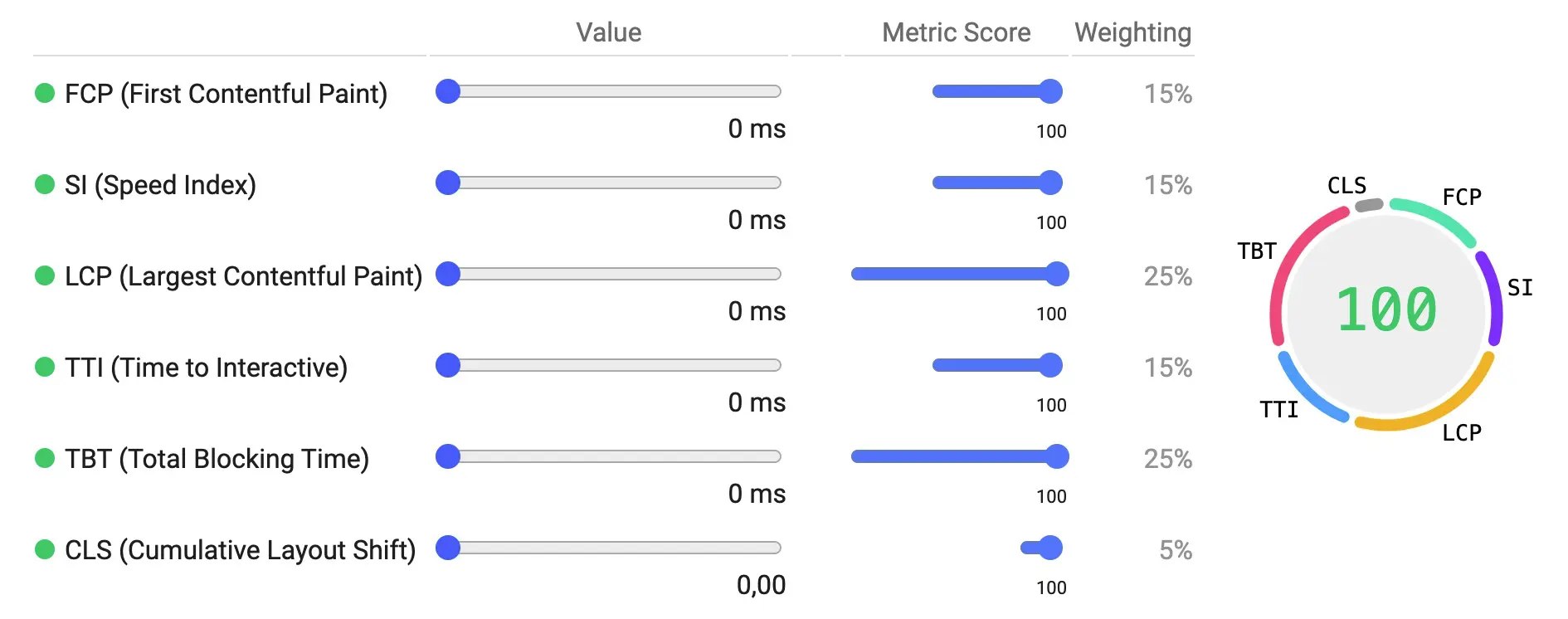
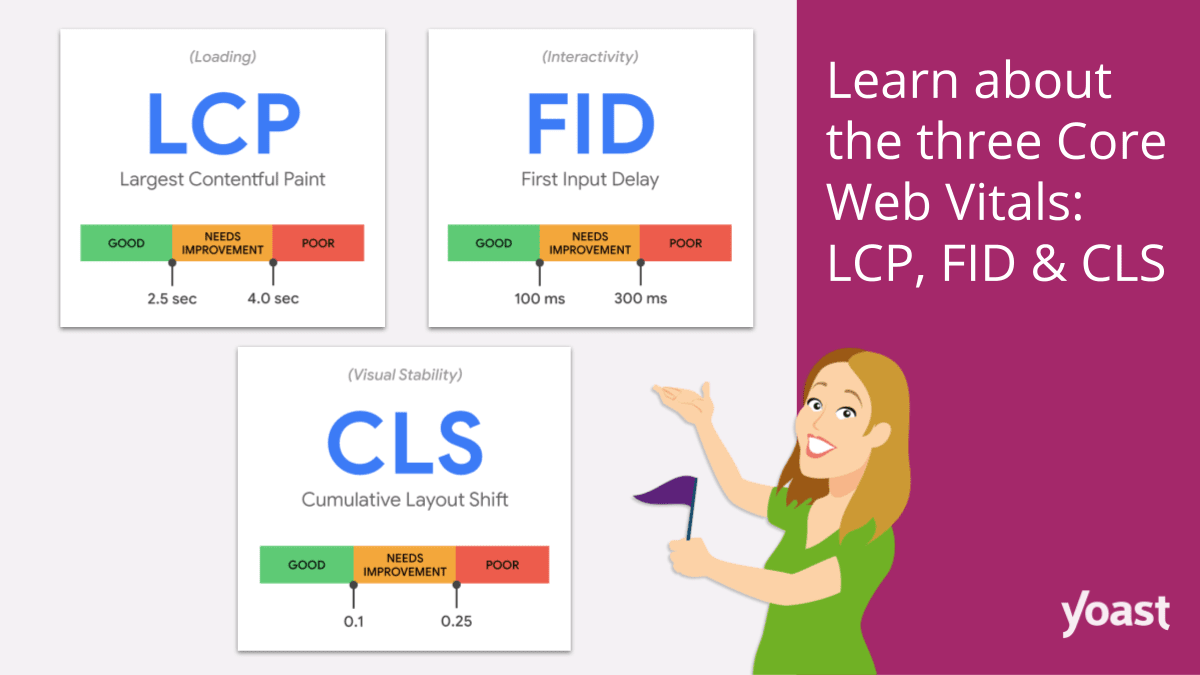
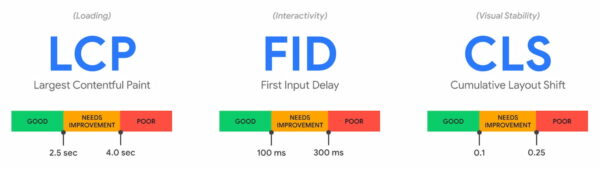
These relate to page speed and user experience.
Main Metrics
- LCP (Largest Contentful Paint)
- FID (First Input Delay)
- CLS (Cumulative Layout Shift)
4.4 Structured Data (Enhancement) Errors


Structured data helps Google understand content.
Examples
- FAQ schema error
- Breadcrumb schema error
- Product schema missing fields
4.5 Sitemap Errors

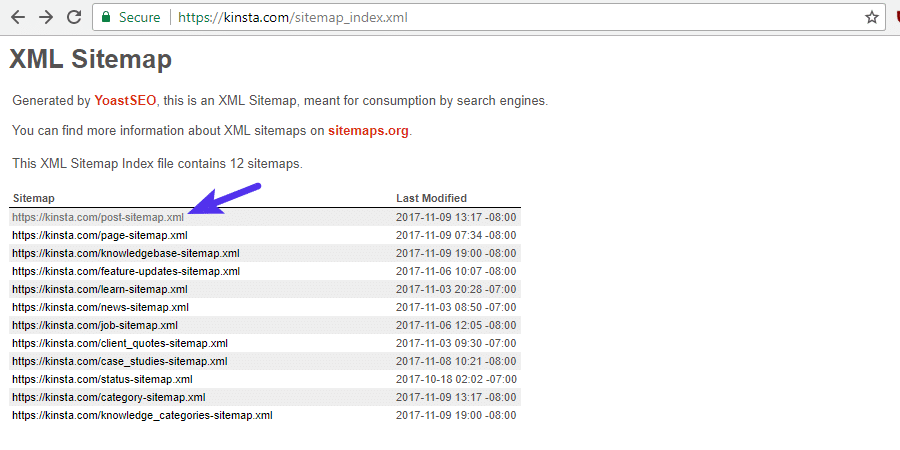

Problems related to sitemap submission.
4.6 Security & Manual Action Errors
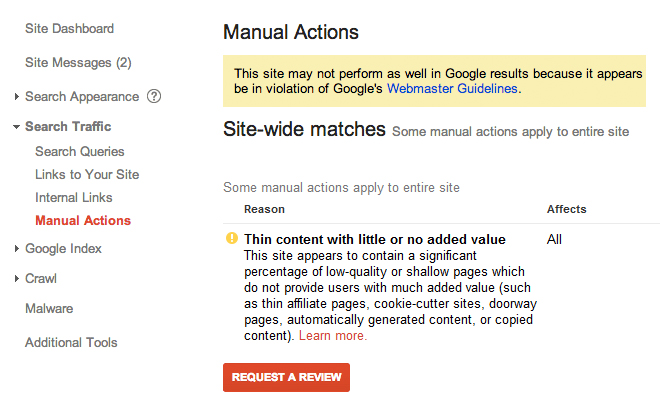
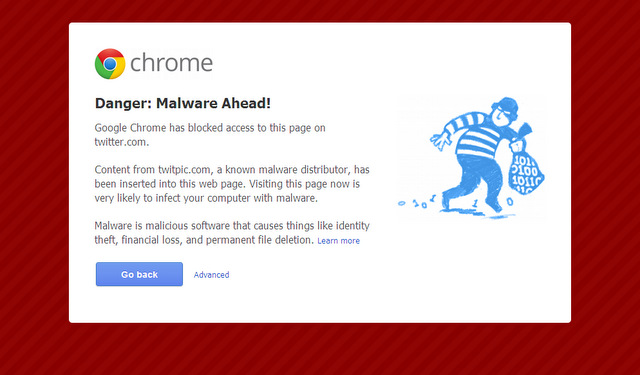
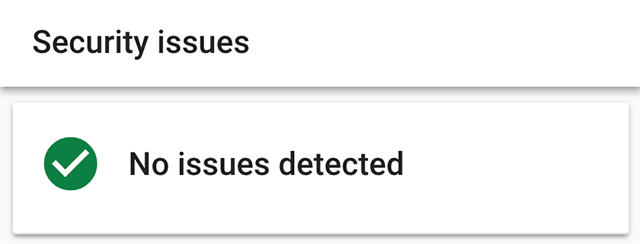

These are serious issues that must be fixed urgently.
5. Step-by-Step: How to Check Errors in Google Search Console
Step 1: Verify Website in GSC
- Add property (Domain or URL prefix)
- Verify using DNS, HTML file, or Analytics
Step 2: Submit Sitemap
- Go to Sitemaps
- Enter sitemap URL (
/sitemap.xml) - Submit
Step 3: Check Indexing Report
- Open Pages
- Review errors, warnings, excluded pages
Step 4: Inspect URLs
- Use URL Inspection Tool
- Check live indexing status
6. Step-by-Step: How to Resolve Common GSC Errors
6.1 Fixing 404 Errors
Steps
- Identify broken URLs
- Redirect using 301 redirect
- Update internal links
6.2 Fixing Noindex Errors
Steps
- Check SEO plugin settings
- Remove noindex from important pages
- Update robots.txt
6.3 Fixing Redirect Errors
Steps
- Remove redirect loops
- Use single redirect
- Avoid redirect chains
6.4 Fixing Mobile Usability Issues
Steps
- Use responsive WordPress theme
- Increase font size
- Improve button spacing
6.5 Fixing Core Web Vitals
Steps
- Use caching plugin
- Optimize images
- Use fast hosting
- Minify CSS & JavaScript
6.6 Fixing Structured Data Errors
Steps
- Test with Rich Results Tool
- Fix missing fields
- Use schema plugin
- Revalidate in GSC
6.7 Fixing Sitemap Issues
Steps
- Regenerate sitemap
- Remove non-indexable URLs
- Submit correct sitemap
7. How Many Methods Are Useful for Fixing GSC Errors?
Method 1: WordPress Plugins
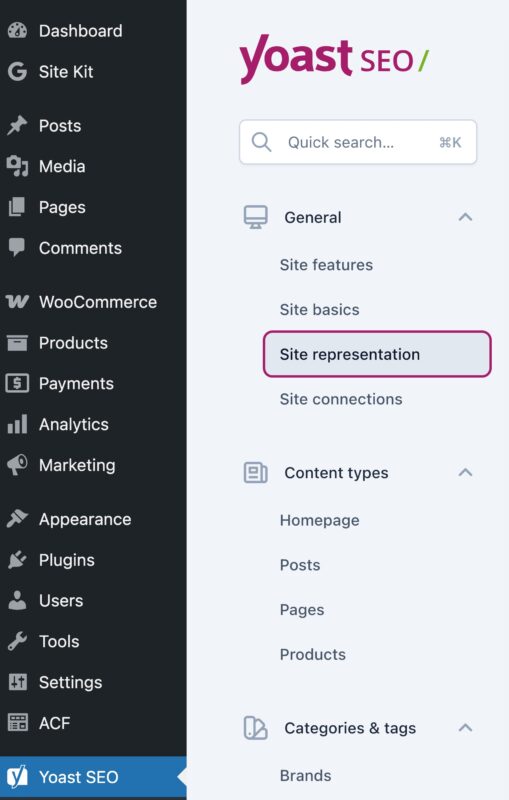
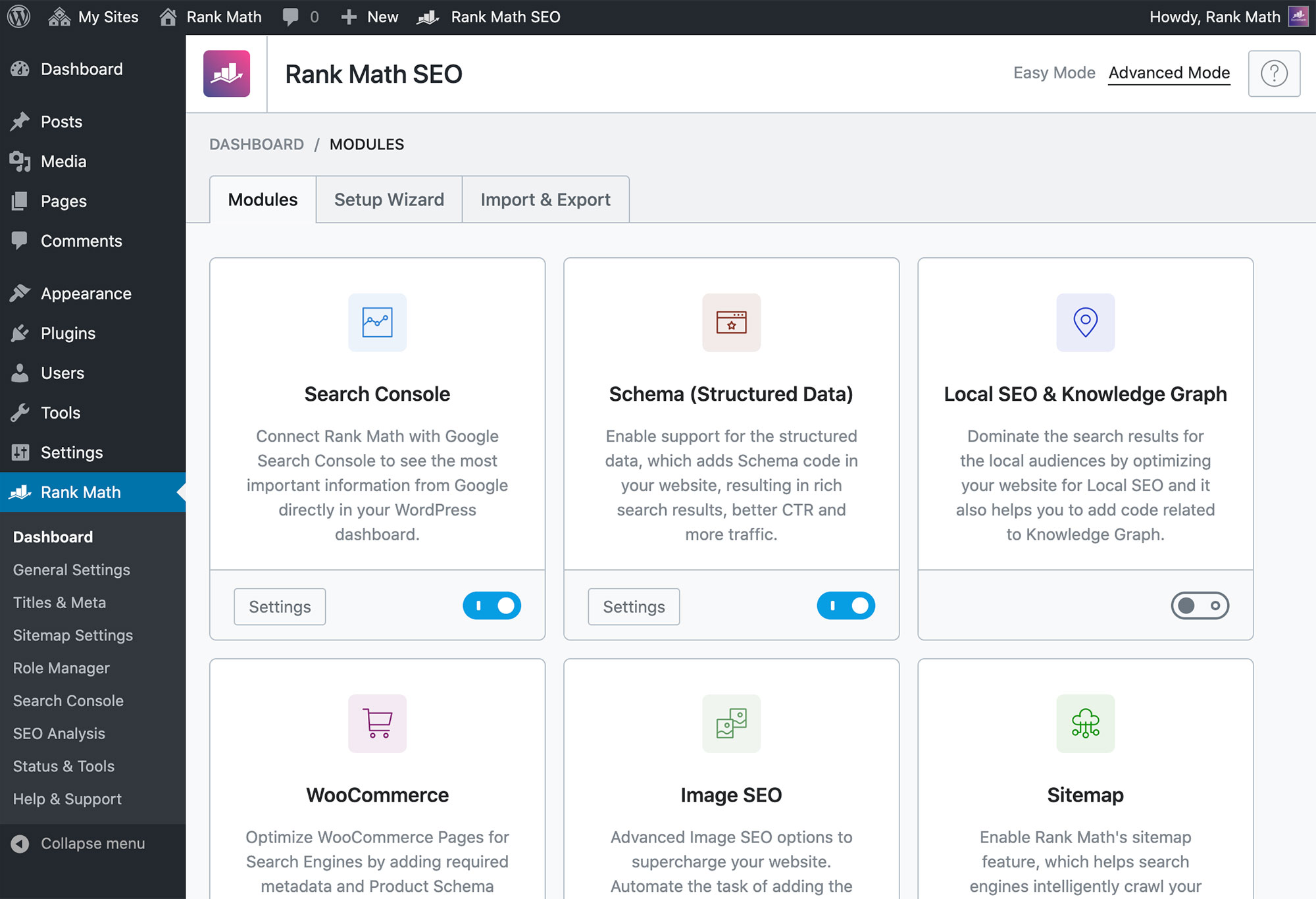


Examples:
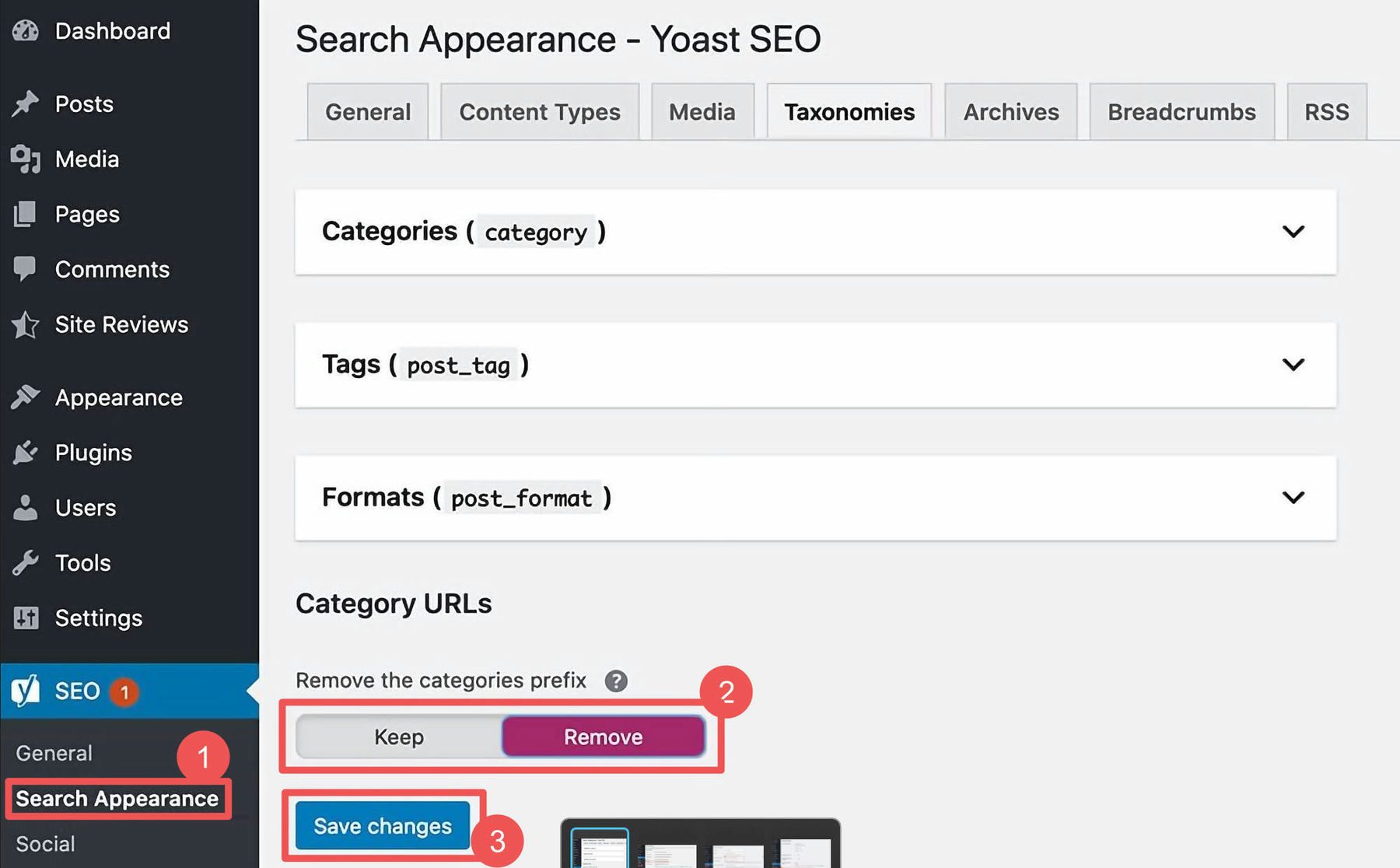
- Yoast SEO
- Rank Math
- All in One SEO
- Redirection
- WP Rocket
Method 2: Manual Technical Fixes
- Editing robots.txt
- Fixing theme files
- Cleaning database
Method 3: Google Testing Tools
- Mobile-Friendly Test
- PageSpeed Insights
- Rich Results Test
Method 4: Regular SEO Audits
- Monthly site audits
- Broken link checks
- Content updates
Method 5: Hosting Optimization
- Use SSD hosting
- Enable CDN
- Monitor uptime
8. Google Policy and Guidelines Connection
Google follows strict Search Quality Guidelines.
Key Google Policies
- Accessibility for bots
- Mobile-first indexing
- Secure browsing
- Fast page loading
- Quality and originality
Why Fixing GSC Errors Is Important
- Prevent ranking loss
- Improve crawl efficiency
- Avoid penalties
- Increase trust
Ignoring errors may result in:
❌ De-indexing
❌ Traffic drop
❌ Manual action
9. Best Practices to Avoid Future GSC Errors
- Update plugins regularly
- Use clean URL structure
- Avoid thin content
- Monitor GSC weekly
- Use canonical tags correctly
10. Conclusion
Google Search Console is a powerful diagnostic tool for every WordPress website. Errors shown in GSC are not punishments — they are opportunities to improve your website according to Google policies.
By understanding:
- Why errors occur
- How many types exist
- Step-by-step fixing methods
- Proper tools and plugins
You can create a healthy, fast, secure, and Google-friendly WordPress website that ranks better and provides a better user experience.
Start creating
